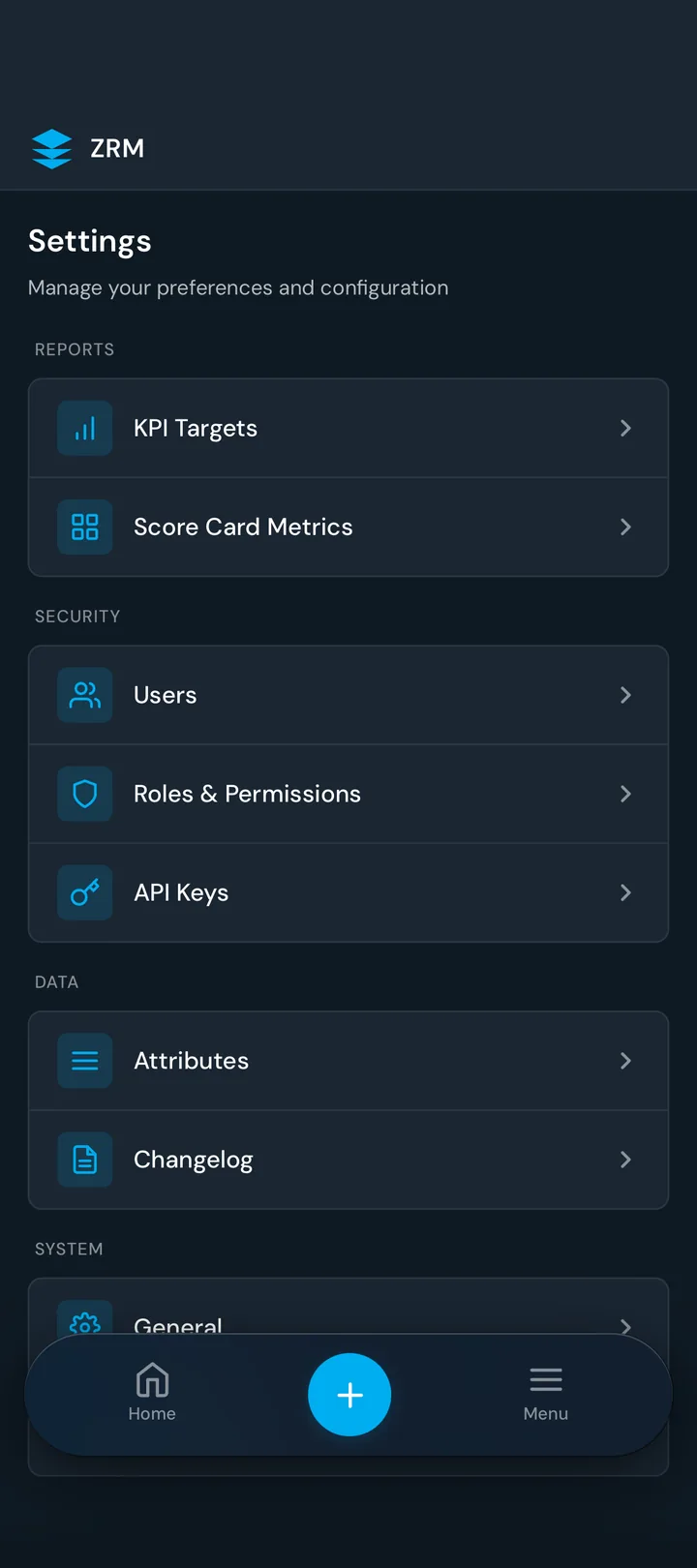
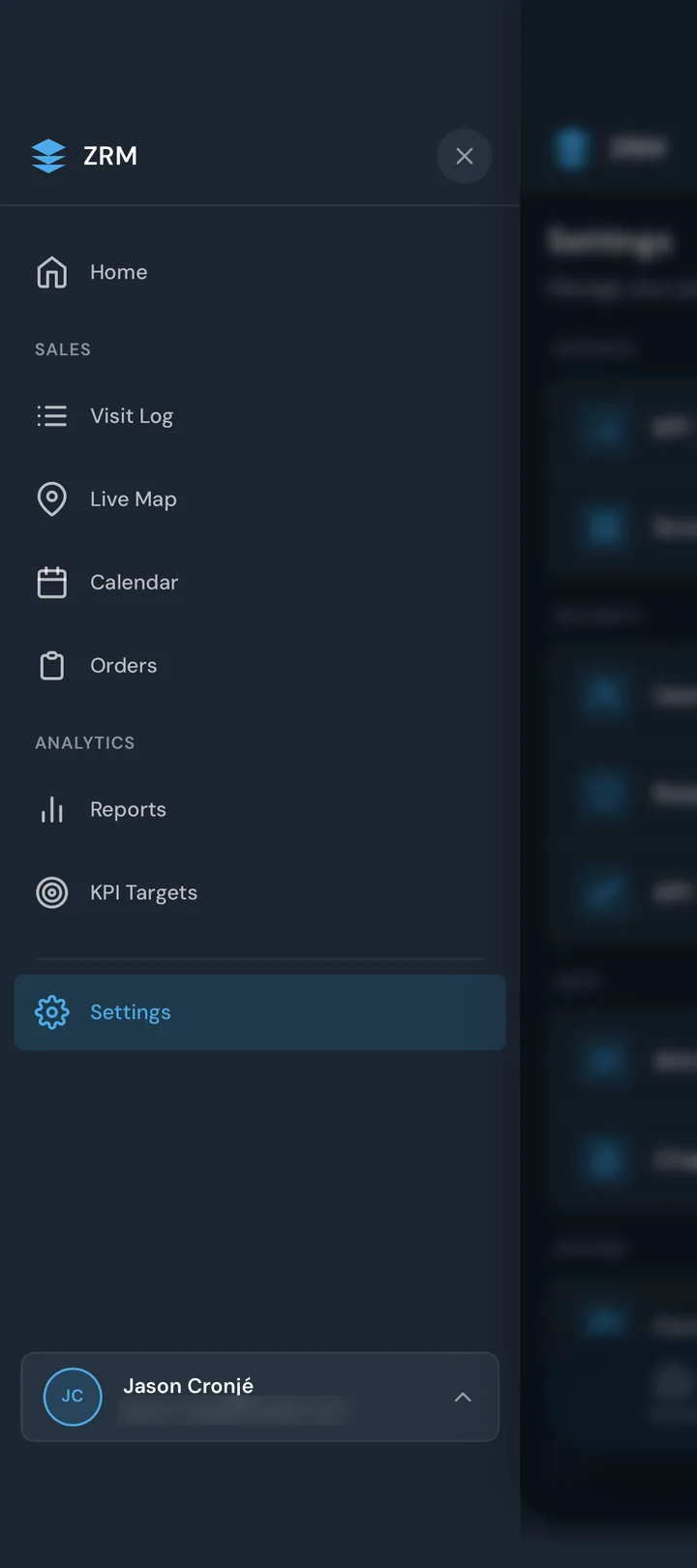
The sales team was managing customer visits, leads, expenses, and follow-ups through spreadsheets and disconnected tools. The CRM options on the table meant an expensive implementation and workflows that didn't fit the way the team worked.
I proposed building ZRM in-house. I wanted the software to fit the people using it, and I took responsibility for the product, architecture, code, testing, and rollout. I used Claude Code and Codex to build the system.
Start with a useful first release
I partnered with the VP and Director of Sales to choose the first use cases. We started with lead ingestion so customer activity could begin accumulating while I built the broader lead-management interface.
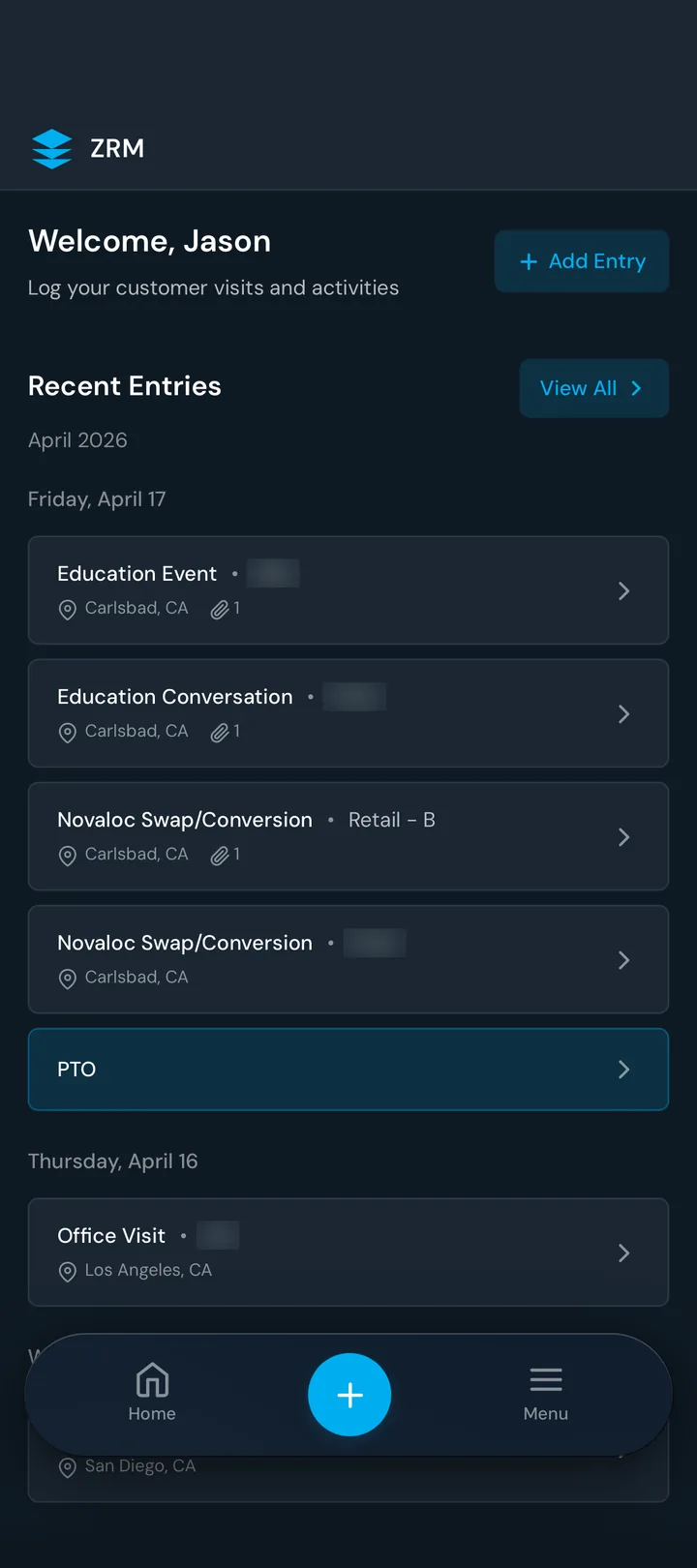
I built and launched the MVP in under 30 days for more than 30 field users. As the product grew through later iterations, it brought together:
- Web and native iOS applications
- ERP and eCommerce integrations for customer, order, product, and inventory information
- Lead ingestion, cleanup, assignment, and follow-up tasks
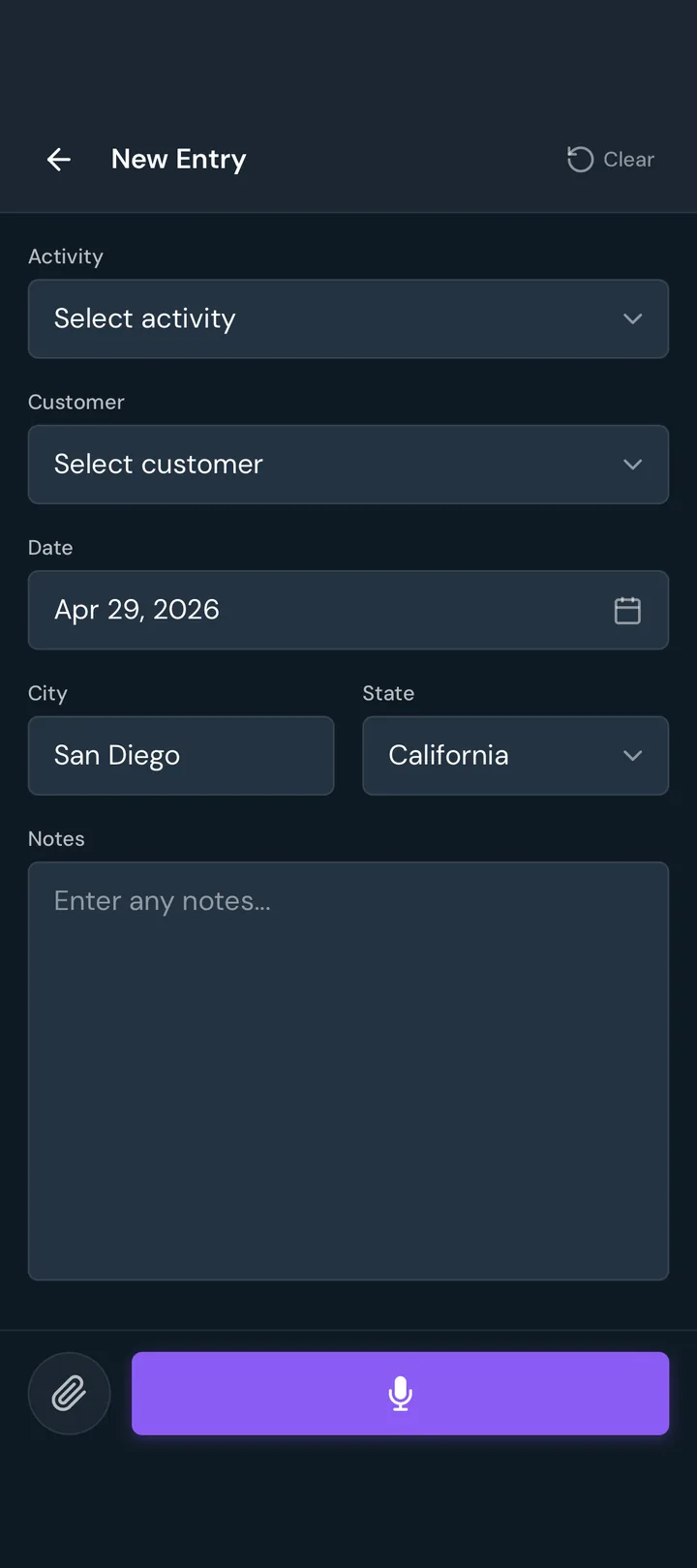
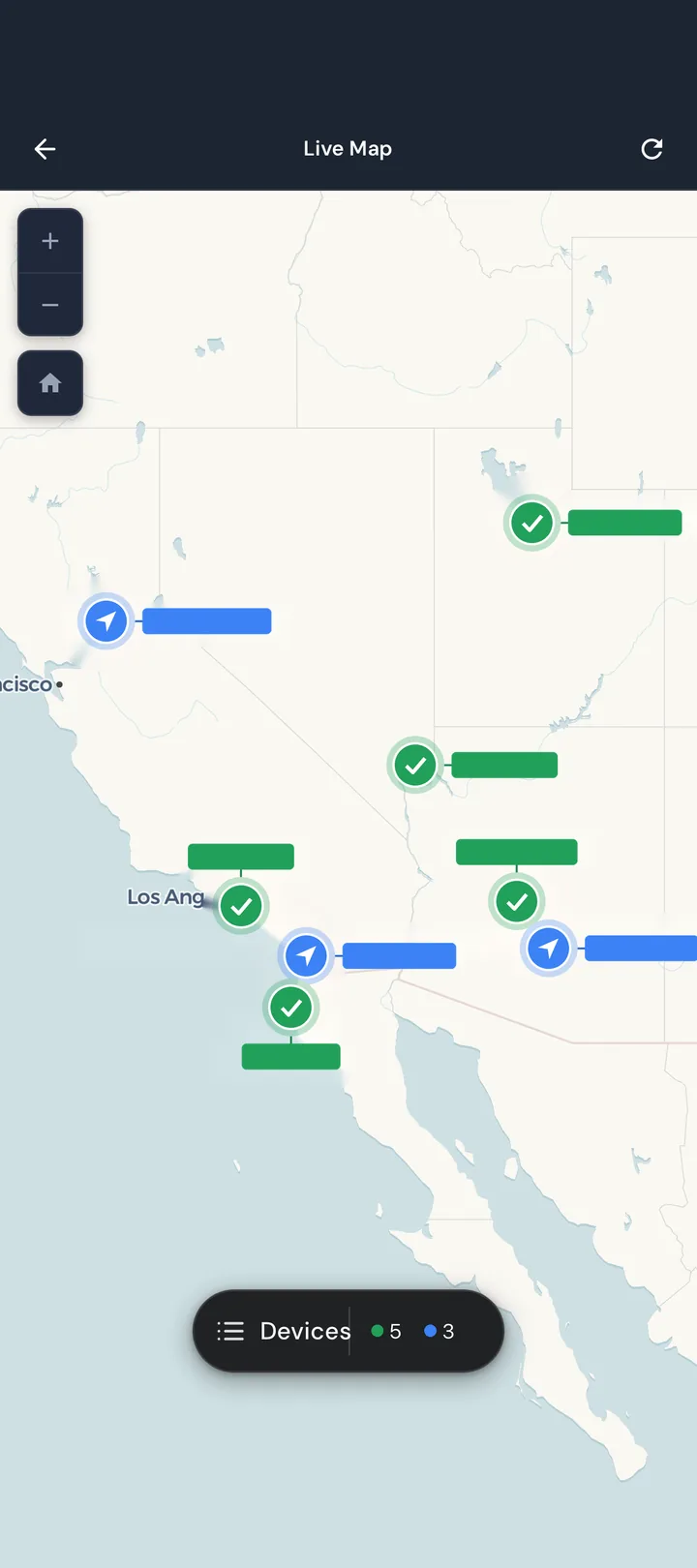
- Customer visits, notes, expenses, and territory planning
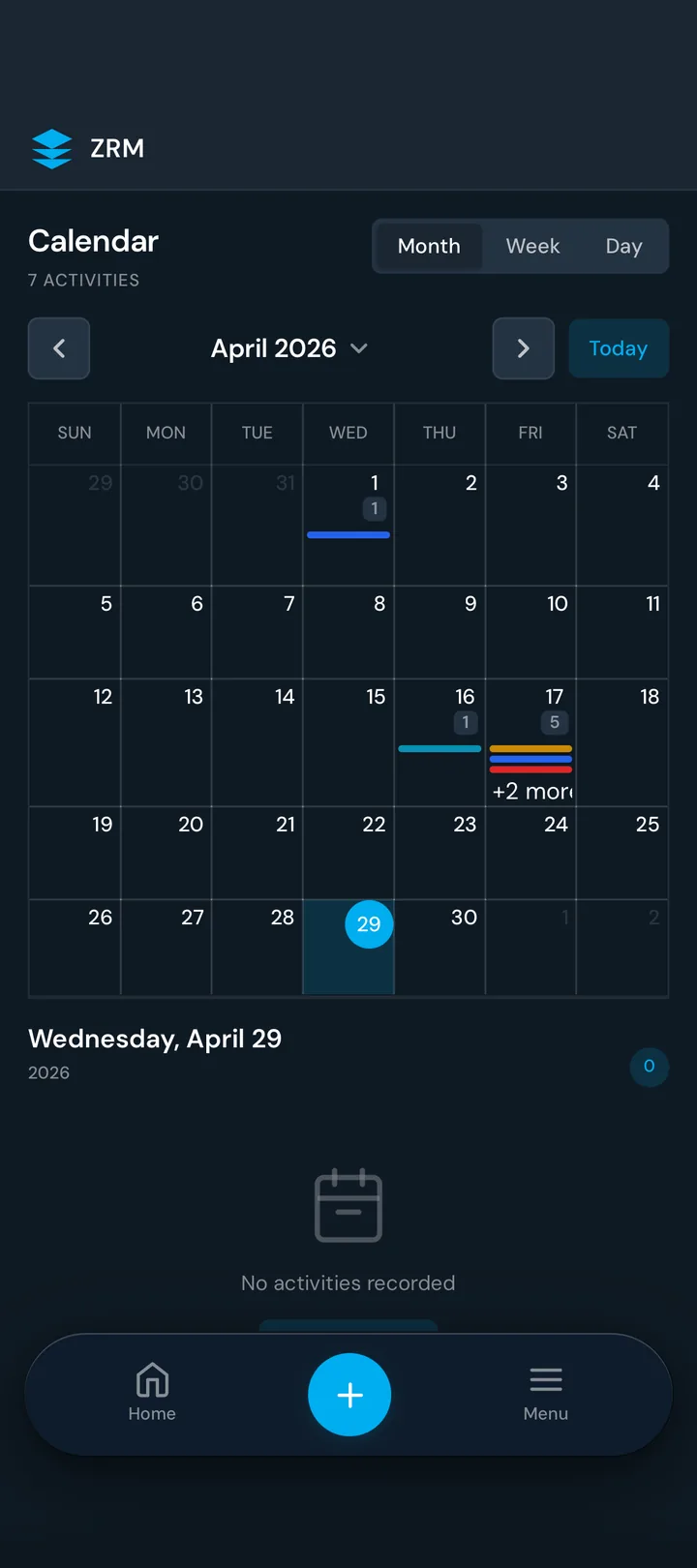
- Google Calendar integration and daily visit plans
- A real-time voice assistant for customer updates and action items
Hands-free updates
Building the voice agent was one of the most exciting parts for me. Reps could speak to the CRM to capture customer data, add visit notes, and create follow-up tasks without physically interacting with the app. The system cleaned up the transcription and matched the information to customer records.
That is the kind of AI use I get excited about: making something people already need to do easier to do in the field.
Build it with the people using it
I hosted in-person workshops and training sessions to onboard the sales team. Their feedback drove features and improvements. I wanted reps to see that asking for a change could lead to a change in the product.
The resulting platform gave the team one connected place to manage field work, with customer and order information available alongside visits, leads, and follow-ups. Owning the rollout meant listening to how it worked for them and continuing to improve it after launch.